Pay your Civic Energy Partnership Bill

You can pay your Civic Energy Partnership bill in a way that works for you. 

However you pay, you’ll get the same rate. 

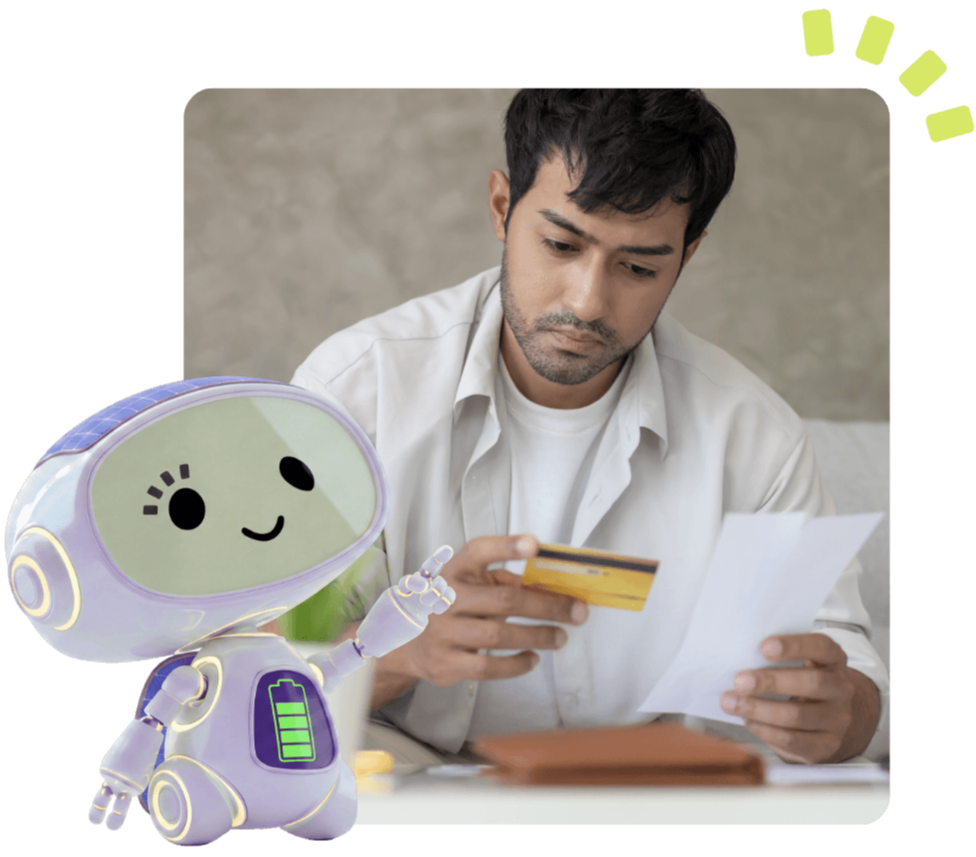
Couple paying on their laptop
Pointing-up_Battery-on-belly
radial-2

Before you pay: what you need

icon-bill
Your bill

Please have your bill or customer reference number ready.

icon-bill
Your reference

If you are paying by bank transfer, please use your customer reference number as the payment reference. 

Your Customer Number or STO Number.

icon-check
A quick check

If something does not look right on your bill, please contact us before making a payment. 

greybg

Ways to pay 

You can pay your Civic Energy Partnership bill in five ways.
Recommended

Direct Debit

The easiest way to pay.

Same amount each month.

Set it up in minutes.

Over the phone

Pay by credit or debit card 

0333 015 9276

Please have your bill with you when you call. We accept most major cards. 

3-4 days

Pay by bank transfer

You can pay by bank transfer from your bank account. 

Payments usually take 3–4 working days to reach us. 

Please use your customer number or STO Number as the payment reference.

Account number: [TBC] 
Sort code: [TBC] 
Account name: [TBC] 
Bank: [TBC] 

Reference: Please quote your STO number

Pay by cheque

Please make cheques payable to: 

[TBC account/company name] 

Post your cheque to: 

[TBC postal address]

Icon feather-shield
We take fraud prevention seriously. If you receive an unexpected payment or account request, please check with us directly before making a payment.
need-help-with-bill

Need help with your bill?

Our friendly team is here to help you find the right solution. 

Call: [TBC billing phone number] 

Call [CEP phone number] 
Email [insert CEP email address] 

Understanding your bill

Your home may use electricity from two places. 

Grid electricity: This comes from your usual electricity supplier. Your supplier bills you for electricity from the grid. 

Solar electricity: This comes from the solar panels installed at your home. Civic Energy Partnership bills you for the solar electricity you use. 

Icon ion-ios-information-circle-outline
You may receive two bills, but you are not paying twice for the same electricity.

Your Civic Energy Partnership bill may include:

tick
Solar electricity used
tick
Battery electricity used, if you have battery storage
tick
Your free electricity allowance, if this applies to you
tick
Any previous balance
tick
Any account credit
tick
Meter reading information
tick
Payment details
Man checking how to pay his bill

Need help with your bill? 

If something does not look right, please contact us before making a payment. 

If you are struggling to pay, please get in touch as soon as possible. We’ll listen and do what we can to help. 

You will not be disconnected by Civic Energy Partnership. 

Billing team: 0333 015 9276

Payment questions

Why do I have two bills?

Your usual supplier bills you for electricity from the grid.

Civic Energy Partnership bills you for solar electricity supplied through the scheme.

You are not paying twice for the same electricity.

What might my Civic Energy Partnership bill include?

Your bill may include:

  • Solar electricity used
  • Battery electricity used, if you have battery storage
  • Your free electricity allowance
  • Any previous balance
  • Any account credit
  • Meter reading information
  • Payment details
How does the free electricity allowance work?

You could receive £240 of free electricity a year.

That is £20 each month.

This allowance will be shown on your Civic Energy Partnership account or bill.

What happens if I use more than my free electricity allowance?
If you use more than your free monthly allowance, extra solar electricity is priced 33.33% below the Ofgem price cap.
What is the Price Match Promise?

If the grid price is cheaper than the Civic Energy Partnership solar rate, Civic Energy Partnership will match it.

This means you pay the lower price.

Price Match Promise excludes short-term promotional tariffs.

I have paid, but it is not showing on my account. What should I do?

Please contact us so we can look into this for you.

Email info@cepuk.co.uk

 and include:

  • The amount you paid
  • The date you paid
  • The payment method you used
  • Any payment reference you entered

This will help us locate the payment and add it to your account.

Want to learn more?

greybg
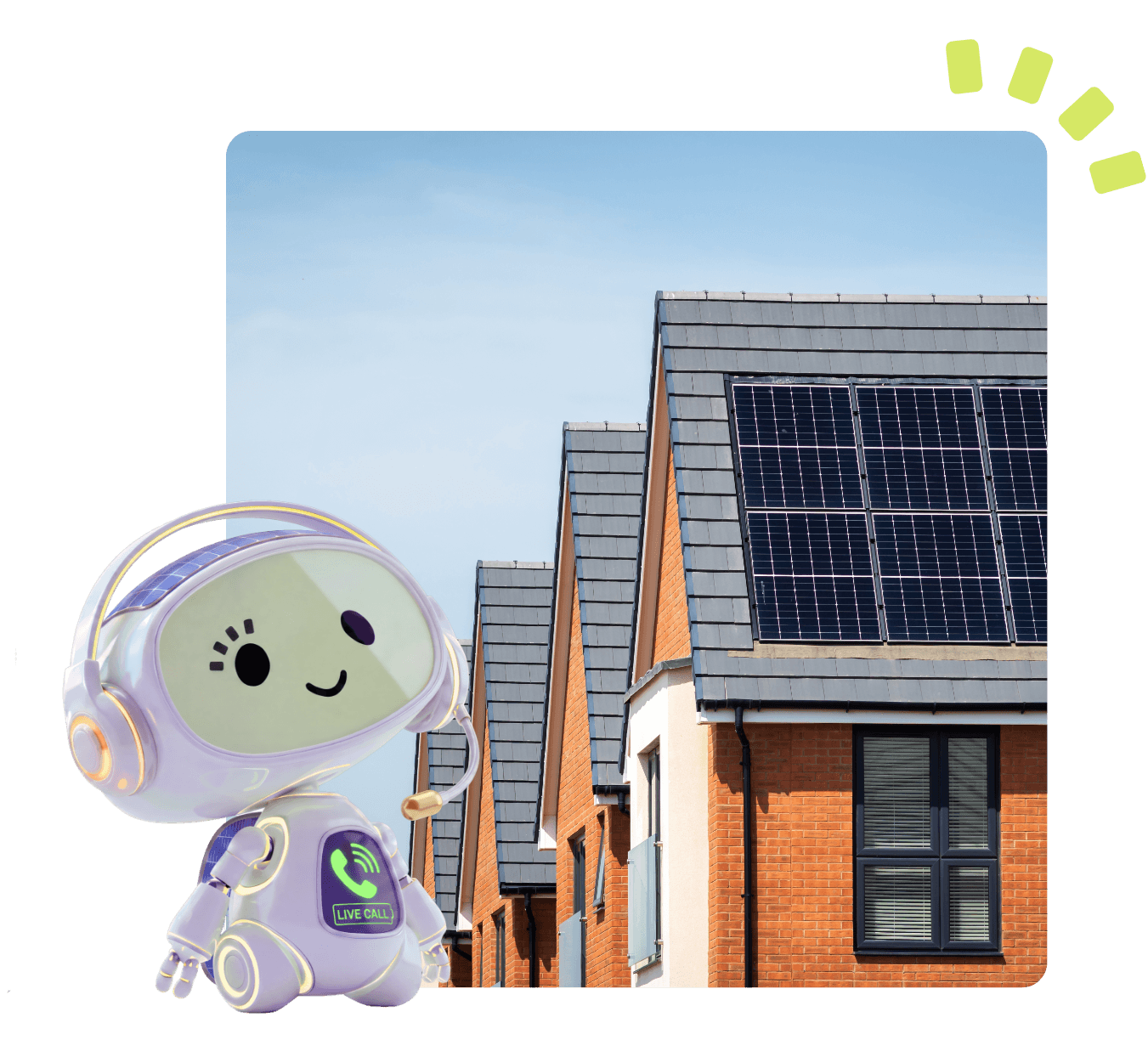
Solar panels on household roofs

Still need help?

Our team is here to help. 

Monday-Friday,  9am - 5.30pm